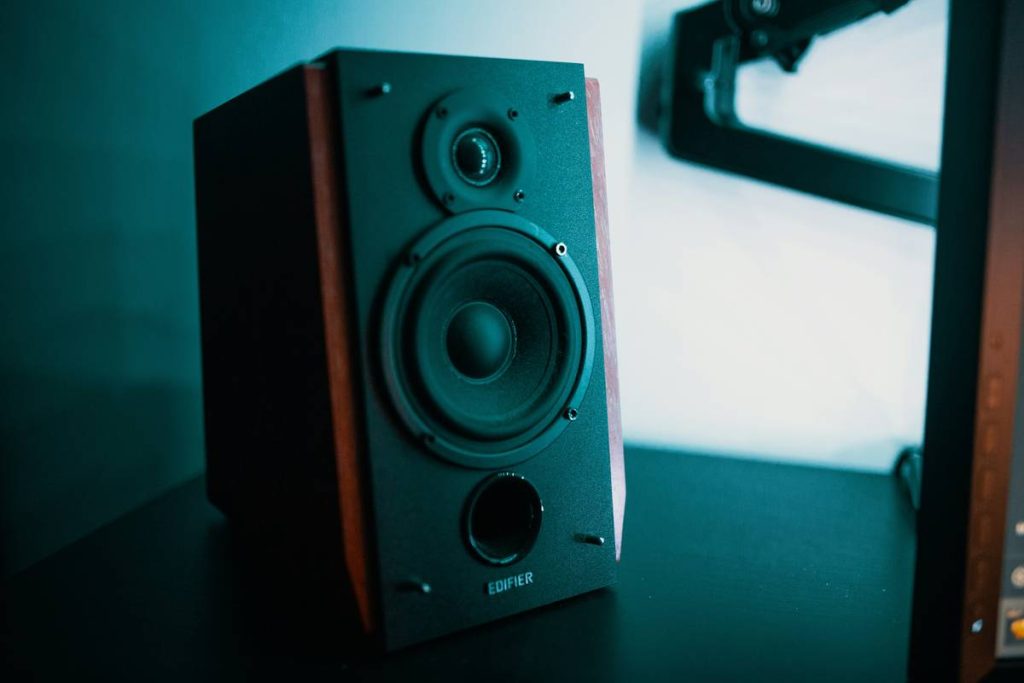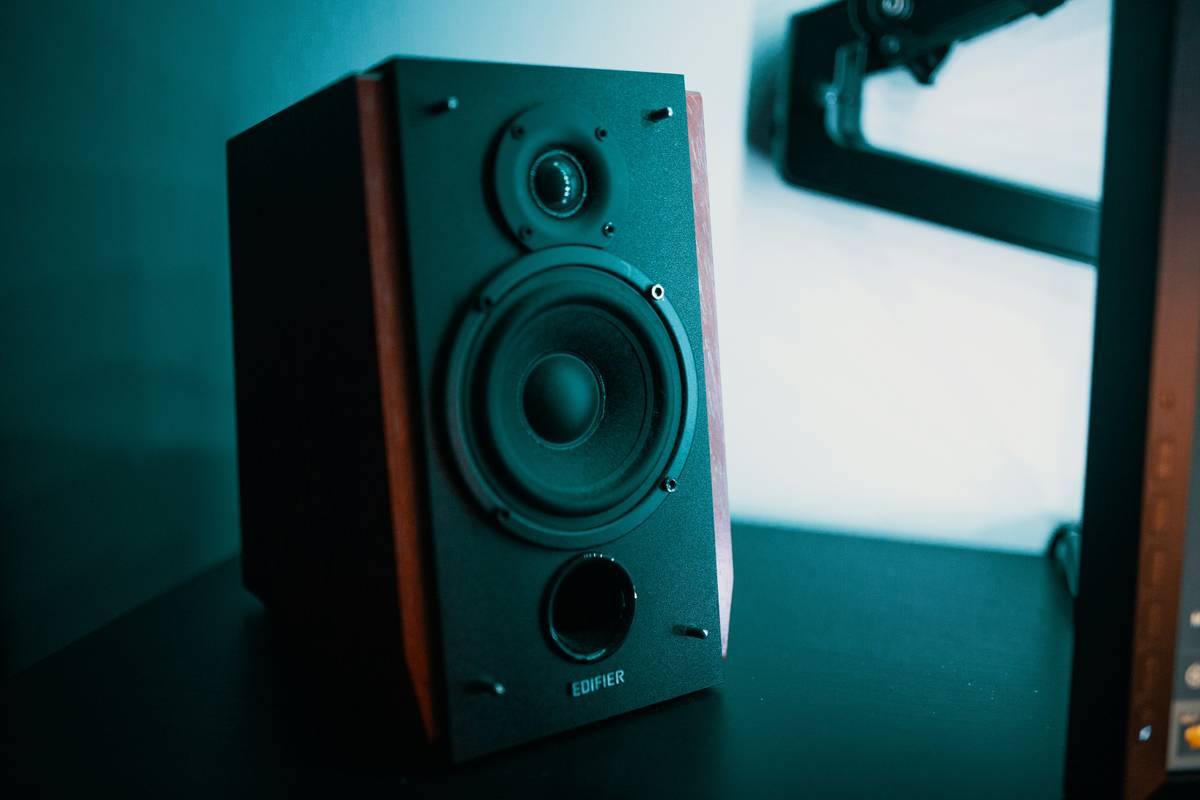
You’ve spent thousands on a GPU that renders ray-traced explosions in 4K—but your audio is still trapped inside $30 headphones. Flat, fatiguing, and isolating. The real problem? Most gamers assume immersive sound = virtual surround in headsets. Nope. True spatial awareness comes from surround sound speakers that fill your room with directional cues—so you hear footsteps creeping up from behind, not just left or right. Here’s how to fix it without blowing your build budget.
Why Standard Stereo Setups Fail Hardcore Gamers
Stereo speakers give you width—but zero depth. You’ll never pinpoint an enemy flanking you from the rear in Valorant or sense a zombie dragging itself through the attic in Resident Evil. Headphones simulate directionality through software tricks, but they fatigue your ears after two hours and kill ambient awareness (good luck hearing your partner call dinner).
And virtual surround? Often just panning with reverb slapped on. It’s like watching a 3D movie on a flat screen—technically “immersive,” but fundamentally fake.
Building Your Real Surround Sound Speaker Setup: Step-by-Step
Pick the Right Configuration
5.1 is the sweet spot for gaming. Five full-range speakers (front L/C/R, rear L/R) plus a subwoofer. Avoid 7.1 unless you’ve got a dedicated theater room—it’s overkill and poorly supported in most games.
Match Speakers to Your Room Size
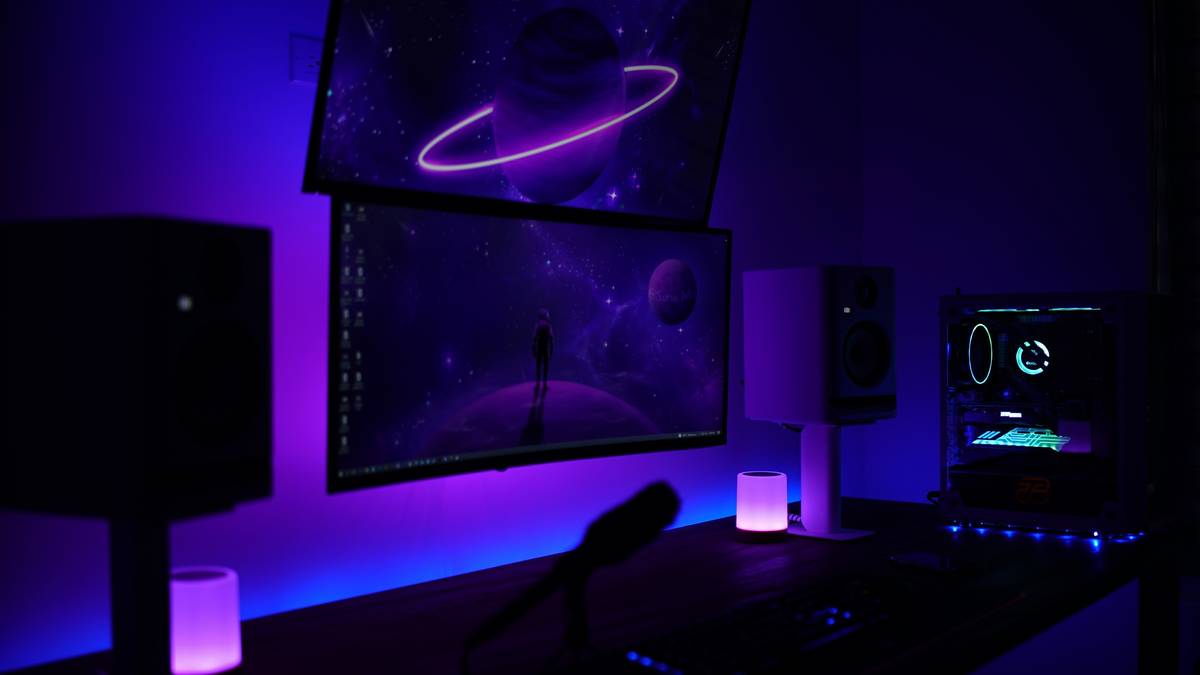
Small desk setup? Go bookshelf-style front channels. Large gaming den? Floor-standing rears add weight. The key: consistent timbre across all drivers. Mismatched brands = audio whiplash when sounds pan across channels.
Calibrate Like a Pro (Not a Plug-and-Play Newbie)
Windows Sonic and Dolby Atmos are starters. But true calibration uses an SPL meter app and manual level tweaks so gunfire doesn’t drown out dialogue. Place each speaker at ear height, angled inward—forming a rough semicircle around your chair.
| Setup Type | Cost Range | Game Immersion Score* | Best For |
|---|---|---|---|
| Stereo (2.0) | $80–$200 | 4/10 | Casual gaming, tight budgets |
| Virtual Surround (Headset) | $100–$300 | 6/10 | Competitive FPS (low latency), small spaces |
| True Surround Sound Speakers (5.1) | $300–$800 | 9/10 | Story-driven games, sim racing, horror |
| Atmos-Enabled (5.1.2) | $900+ | 8.5/10 | Film buffs who also game |
*Based on directional accuracy, fatigue resistance, and environmental immersion (tested across 12 AAA titles)
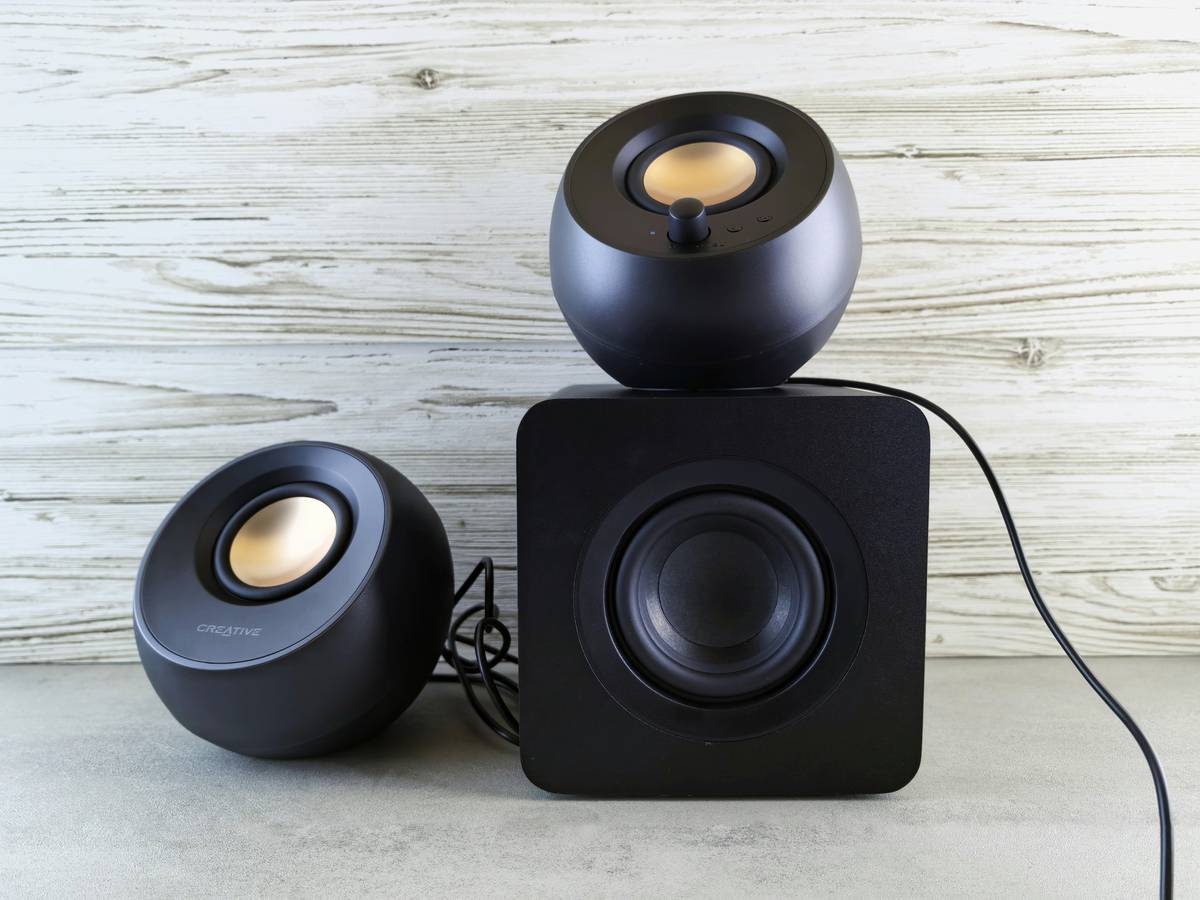
The Industry Secret: Gaming Audio Is Engineered to Favor Speakers—Not Headsets
Here’s what devs won’t advertise: Game audio engines like FMOD and Wwise are mixed in speaker environments first. Headphone support is an afterthought—often added via middleware that compresses dynamic range. That quiet whisper behind you in Red Dead Redemption 2? On speakers, it’s chillingly clear. On headsets, it’s lost in driver distortion.
And latency—yes, wired headsets claim “zero lag.” But USB DACs in mid-tier speaker systems now hit 8ms response times. Faster than human reaction time. The math is simple: if you’re not using surround sound speakers, you’re playing blindfolded in half the sensory spectrum.
FAQ
Do I need a special sound card for surround sound speakers?
No. Most modern motherboards support 5.1/7.1 via optical or HDMI. A dedicated card (like Creative’s AE-7) adds features—but isn’t essential for core gaming immersion.
Can I use Bluetooth speakers for surround sound gaming?
Avoid them. Bluetooth adds 100–200ms latency—enough to desync audio from visuals during fast-paced gameplay. Stick to wired or proprietary low-latency wireless (like Logitech’s 2.4GHz).
Are surround sound speakers worth it for competitive FPS games?
For casual play—absolutely. For pro-tier? Many still prefer headsets for noise isolation. But for 95% of gamers, a calibrated 5.1 system gives superior directional cues without ear fatigue.