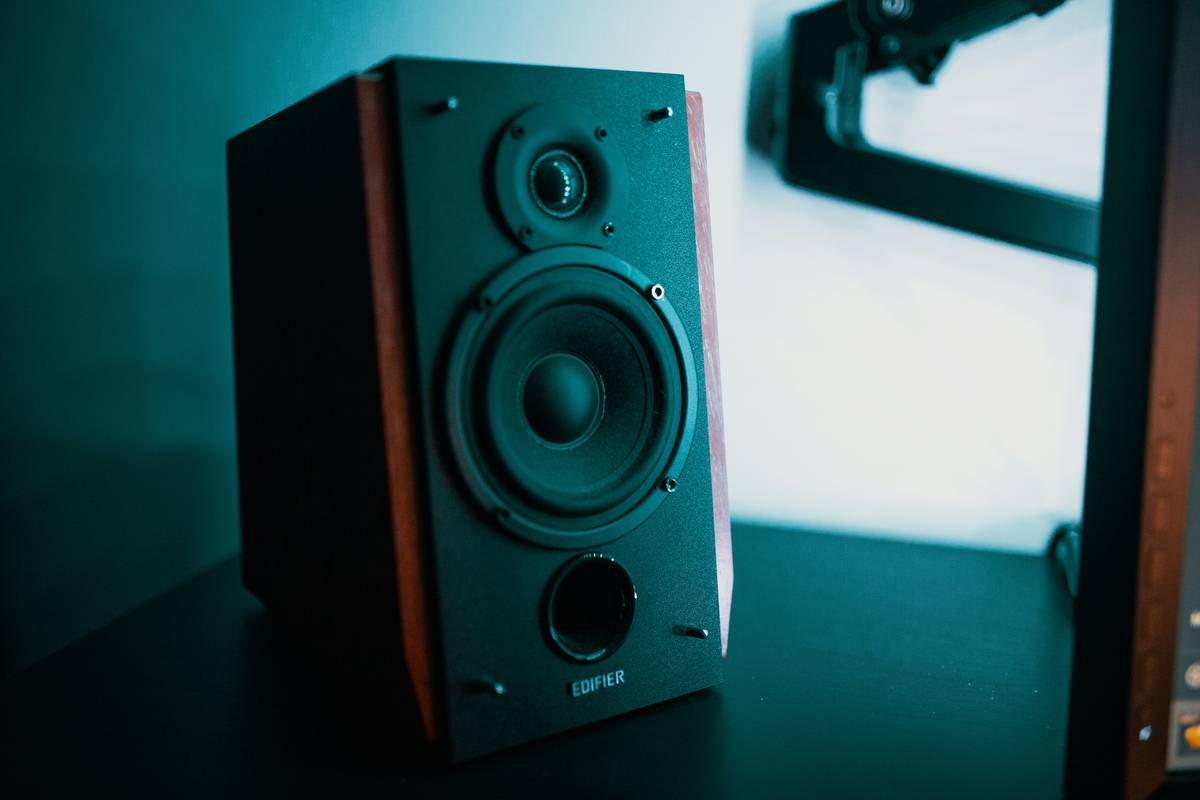
Gamers invest thousands in GPUs, CPUs, and high-refresh monitors—then settle for tinny laptop speakers or basic stereo setups. The immersion dies the moment gunfire sounds flat or footsteps lack directionality. And wireless? Most assume it means lag, compression, or constant battery anxiety. Here’s the truth: surround sound speakers wireless have evolved beyond those myths. With the right setup, you get cinematic depth, zero cables, and latency so low it vanishes into gameplay.
Why Traditional Gaming Audio Falls Short
Most gamers still rely on headsets or 2.0/2.1 speaker systems. They’re convenient—but they lie to your ears. Stereo can’t replicate directional cues from behind or above. Even wired 5.1 systems often use compressed Dolby Digital over optical, sacrificing spatial precision. Worse, cable clutter kills desk aesthetics and limits placement flexibility.
And yet—manufacturers keep pushing “gaming” speakers with RGB lights but mediocre drivers. Flash over function. You hear explosions, sure. But can you pinpoint whether that enemy is flanking left or circling from the rear? Not a chance.
Building True Wireless Surround Sound for Gaming PCs
Forget what you think you know. Modern wireless surround isn’t Bluetooth audio from your phone. It’s dedicated RF or WiSA protocols running lossless, sub-20ms latency channels. Paired correctly, it rivals wired fidelity—without tripping over cords mid-raid.
Selecting the Right Wireless Protocol
Not all “wireless” is equal. Bluetooth introduces 150–200ms of delay—unplayable for competitive shooters. Look instead for:
- WiSA-certified systems: 24-bit/48kHz lossless audio, under 5ms latency.
- Proprietary 2.4GHz RF: Brands like Creative and Klipsch offer closed-loop transmitters for clean signal paths.
Speaker Placement Without Wires = Freedom
With wireless surrounds, you’re not chained to your tower. Place rears behind your chair. Mount heights on shelves. Go full 5.1.2 if your AV receiver supports it. The math is simple: more precise speaker locations = more accurate soundstage.
Budget vs. Performance Breakdown
| System Type | Avg. Cost | Latency | Max Channels | Best For |
|---|---|---|---|---|
| Bluetooth 2.1 | $50–$120 | 150–200ms | 2.0 | Casual media; not gaming |
| Proprietary RF (e.g., Creative X-Fi) | $200–$400 | 15–30ms | 5.1 | Single-player RPGs, racing sims |
| WiSA Certified (e.g., Platin Monaco) | $600–$1,200 | <5ms | 7.1.4 | Competitive FPS, immersive AAA titles |
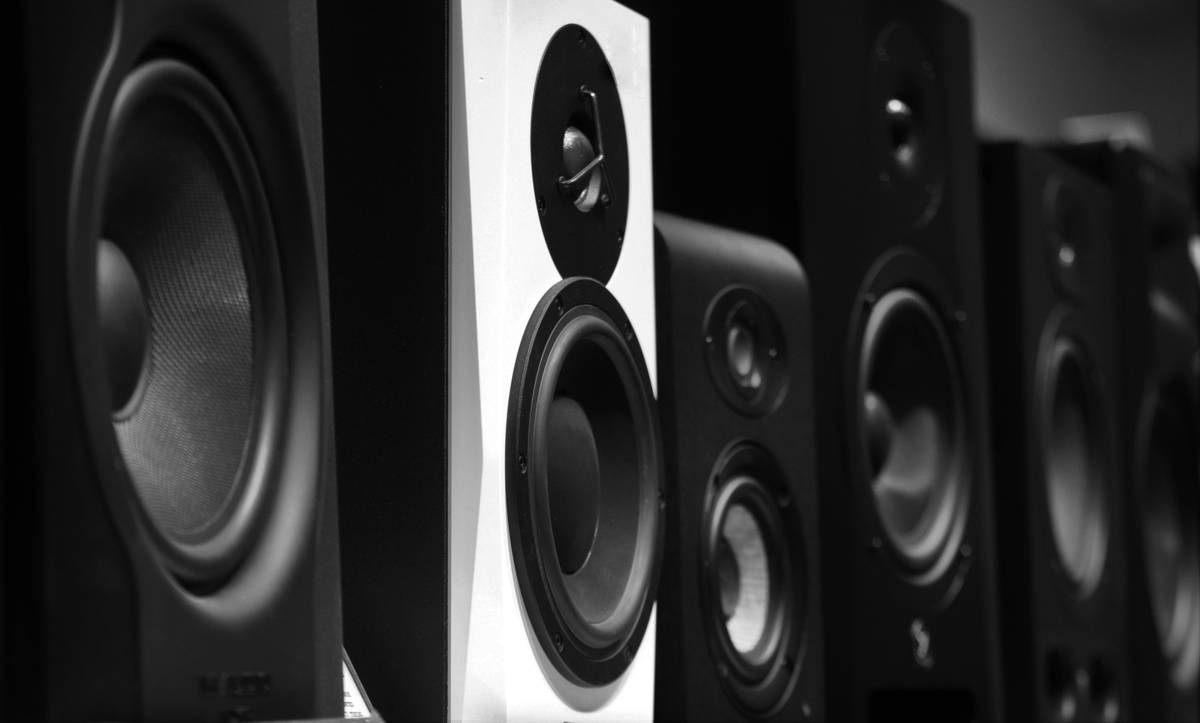
The Industry Secret: Your Motherboard’s Audio Chip Is Holding You Back
Here’s what no marketing sheet tells you: even with premium surround sound speakers wireless, your onboard audio codec is likely bottlenecking everything. Realtek ALC892? Fine for Zoom calls. Terrible for decoding object-based audio streams like Dolby Atmos for Headphones or DTS:X.
But—and this is critical—you don’t need a $200 sound card. A $35 USB DAC with dedicated headphone amp (like the FiiO K3) bypasses the motherboard entirely. Route game audio through it, then transmit via WiSA or RF. Suddenly, dynamic range expands. Footsteps gain texture. Explosions don’t clip. It’s the hidden lever most overlook.
Frequently Asked Questions
Do wireless surround speakers work with PC games?
Yes—if they use low-latency protocols like WiSA or proprietary RF. Avoid Bluetooth for gaming due to high latency.
Can I use surround sound speakers wireless for both gaming and movies?
Absolutely. Systems like Klipsch ProMedia or Platin support Dolby Digital and DTS decoding—ideal for Netflix, Blu-rays, and games alike.
How much space do I need for a wireless 5.1 setup?
Minimal. Wireless rears eliminate cable runs. Just ensure line-of-sight between transmitter and satellites for stable RF connection.